RIVERRISE BOOKINGS 1.8: booking on the page and an availability calendar
What changed
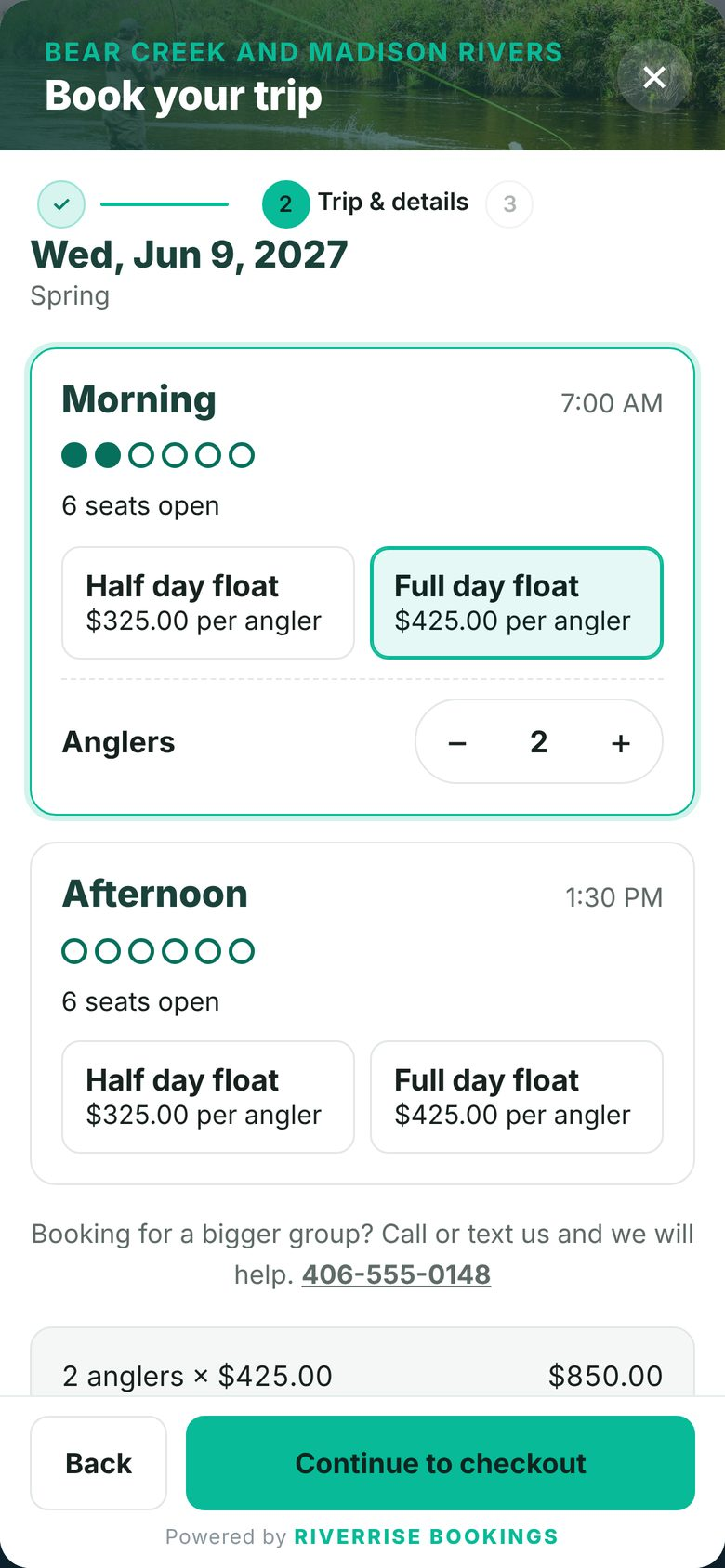
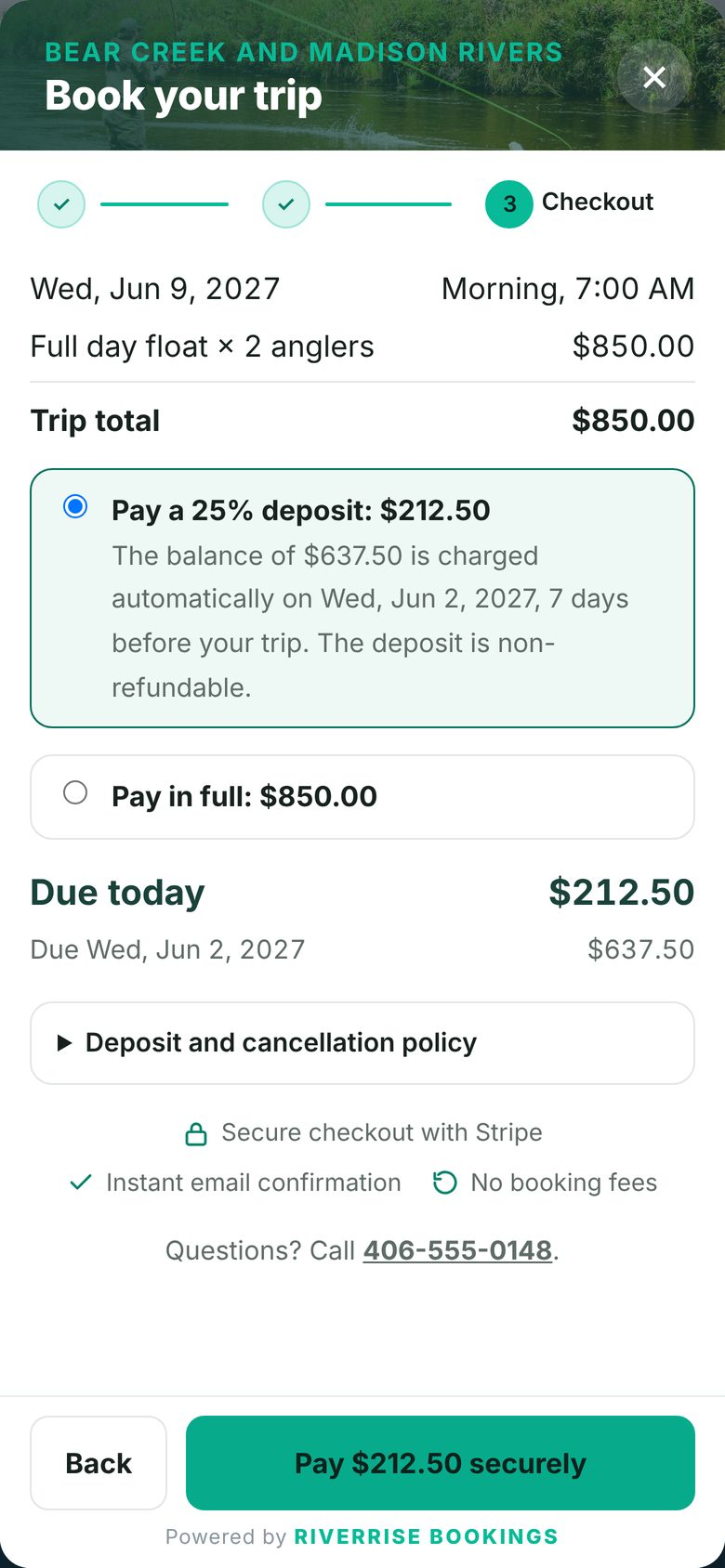
- NewBooking on the page. Put the whole booking window inside a page instead of a pop-up, so a “Book” page shows trips, dates and checkout right where guests land. It fits the width of your page and works the same on phones.
- NewAvailability calendar. Show a month of open dates anywhere on your site, with a small dot on days that only have a few seats left. Guests tap a date and booking opens on that date.
- NewStart on a trip. Point any booking button, page or calendar at one trip, so each trip’s own page books that trip.
- ImprovedSame choices everywhere. The RIVERRISE BOOKINGS block and Elementor widget offer the booking section, a button, booking on the page or the availability calendar, plus which trip to start on.
- ImprovedCopy and paste. Settings, Booking window lists every way to add booking to your site, with copy buttons and your trip IDs.
What stays the same
- ImprovedYour current buttons and links. Existing booking sections, buttons and #book links keep working exactly as before. The new options are there when you want them.